

A Principal's Pre-Year Rollout Checklist
You've signed up for a shared resource library, or you're close to it, and now there's a narrow window before staff arrive to get it actually ready. Not "purchased," ready. This checklist covers the specific steps for launching a new curriculum resource platform before day one, not a general back-to-school to-do list.
Before Staff Arrive: Confirming Access Is Set Up
Start by confirming what "access" actually means for your platform. Some tools use a shared login the whole staff shares. Others issue individual accounts per teacher.
Either way, confirm before the first day of PD that:
- The account or login is active and tested by someone other than the person who purchased it
- You know how a new hire added mid-year gets access (this matters more than it seems, since staffing changes happen every fall)
- Nobody's waiting on an IT ticket to use it. A School Site License, for example, requires no IT setup or LMS integration, so there's no provisioning step to confirm at all
If your platform does require IT involvement, get that ticket in early. Technology departments are usually swamped in the two weeks before school starts, and "add 40 staff accounts to a new tool" is not going to be their top priority that week.
Free Back-to-School Worksheets


Free Kindergarten Letter Worksheets


Free 2nd Grade Sentence Worksheets


Setting Up School Branding, If You're Using It
If your resource library supports adding your school's name or logo to materials, this is the moment to set it up, not week three when someone finally notices worksheets going home look generic.
Branding is typically requested at the point of purchase or setup, so mention it when you're finalizing your quote or account rather than trying to add it retroactively. It's a small detail, but it's the kind of thing that makes materials sent home feel like they came from your school rather than an outside vendor.
Telling Staff It Exists (and Where to Find It)
A resource library nobody knows about might as well not exist. Before the first staff meeting, plan how you'll actually announce it:
- A single email with the login or access link, sent once staff accounts are confirmed working
- A short agenda slot at your first staff meeting (ten minutes is enough, see our guide on introducing a new resource library at a staff meeting)
- A note in whatever onboarding packet new hires receive, so it's not just tenured staff who find out
Don't rely on a single mention and assume it stuck. Plan at least two touchpoints in the first two weeks.
What to Test Before the First Week
Before you announce anything to staff, test it yourself, or better, have someone outside the leadership team test it. Specifically:
- Can you log in and browse without confusion?
- Can you find a worksheet by grade level and standard in under a minute?
- Does printing actually work the way you expect, especially if your building routes print jobs through a shared network printer?
- If there's a branding feature, does it show up correctly on an actual downloaded worksheet?
Fifteen minutes of testing now saves a week of "it's not working" messages once 40 staff members are all trying it for the first time simultaneously.
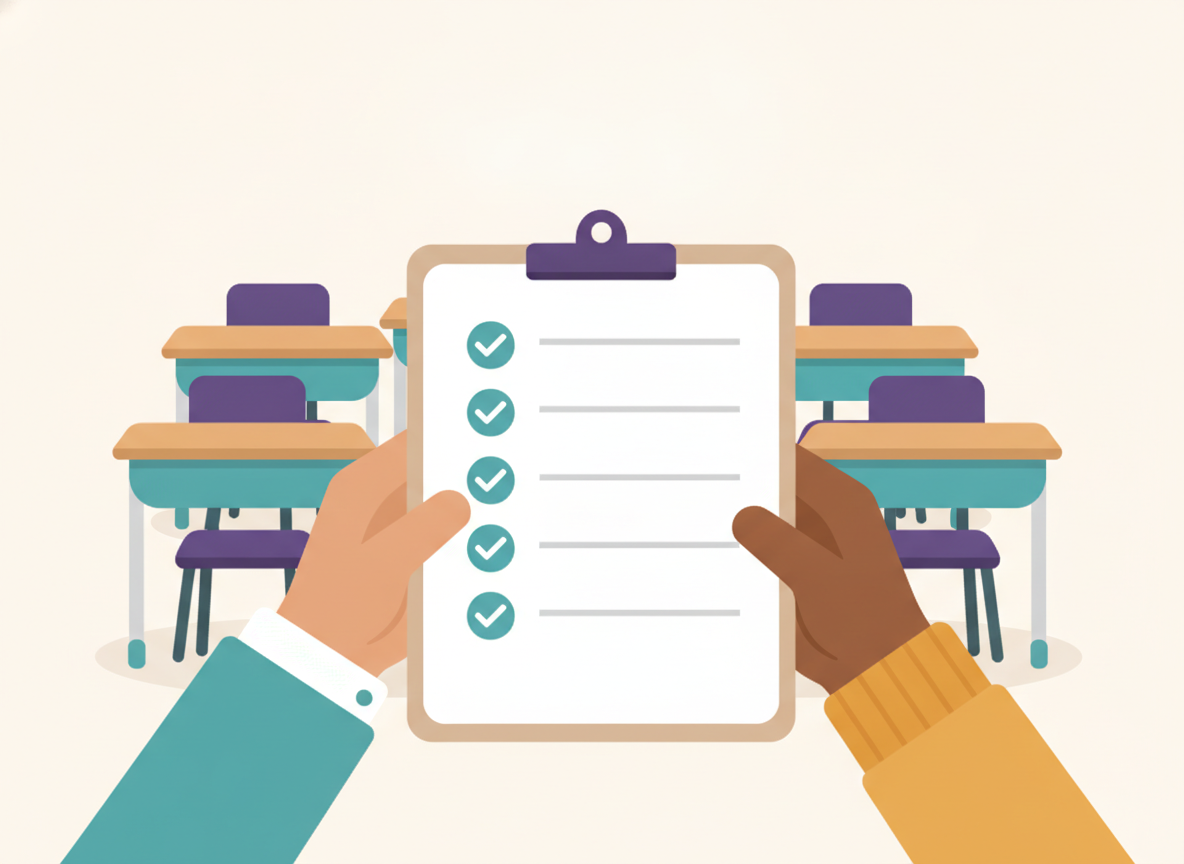
A Printable Rollout Checklist
- Confirm staff access is active and tested
- Set up school branding, if applicable, before the first download
- Draft the staff announcement (email + staff meeting mention)
- Test login, browsing, and printing yourself first
- Add access instructions to your new-hire onboarding packet
- Identify one staff member as a point of contact for questions in week one
This is a narrow, specific checklist for launching a shared resource platform, not a full back-to-school prep list. If you're looking for that broader planning guide, see our back-to-school prep checklist for principals.
Rolling out a shared resource library this year? Get Started with a self-serve School Site License, or request a quote for a District-tier rollout with purchase order billing.

Adi Ackerman
Head Teacher
Adi is the Head Teacher at ClassWeekly, with years of experience teaching elementary students. She designs our curriculum-aligned worksheets and writes practical guides for teachers and parents.
Keep Reading
Ready to download? Try ClassWeekly free for 30 days.
Unlimited worksheets for PreK through 5th grade. Cancel anytime.