Angles in Structures
Written by Adi Ackerman, Head Teacher
"Angles in Structures" is written for 4th Grade (Ages 9-10), and it covers Common Core 4.G.A.1. If your little one is a year younger but already steady on geometry, the page still works. You may just need to read the instructions out loud. And if they are older and classify angles never quite stuck, this is a short review rather than busywork.
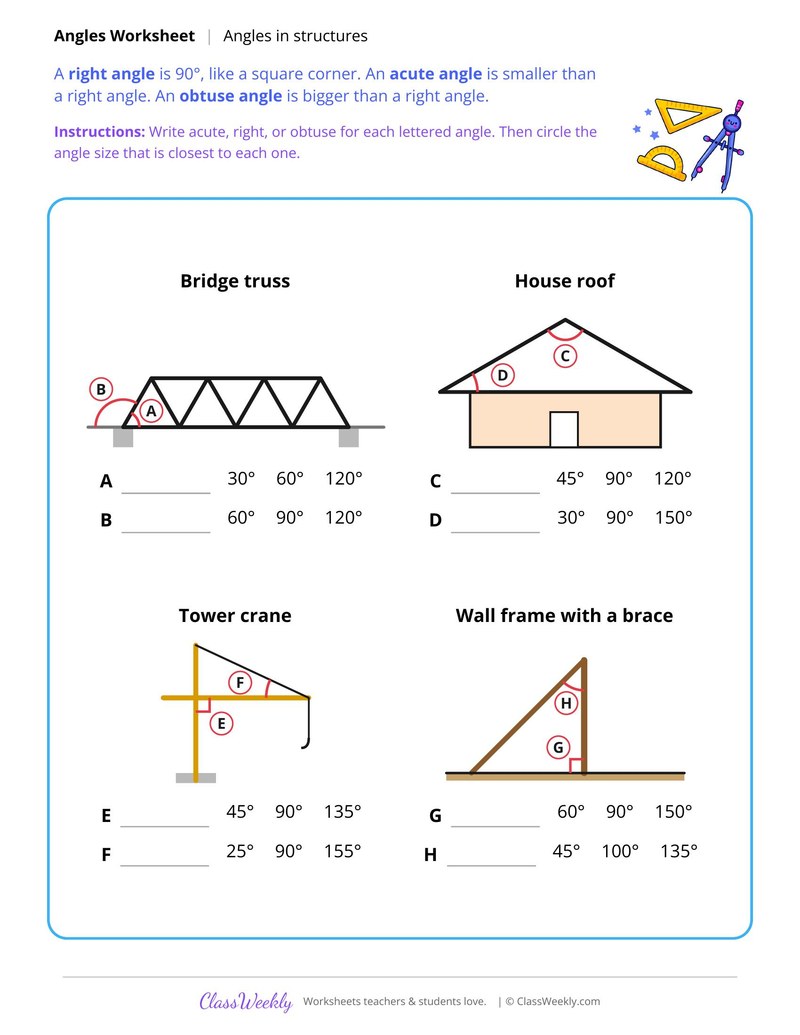
4th grade geometry worksheet: classify 8 angles in a bridge truss, roof, tower crane and wall frame as acute, right or obtuse. Answer key included. Part of our classify angles geometry collection. Aligned to Common Core standards.
How do I use this worksheet?
Print the page and read the directions with your child: Write acute, right, or obtuse for each lettered angle. Then circle the angle size that is closest to each one. When they finish, check the work together with the answer key.
What students will practice
- Students will classify angles as acute, right or obtuse.
- Students will estimate the size of an angle.
- Students will find angles in real structures.
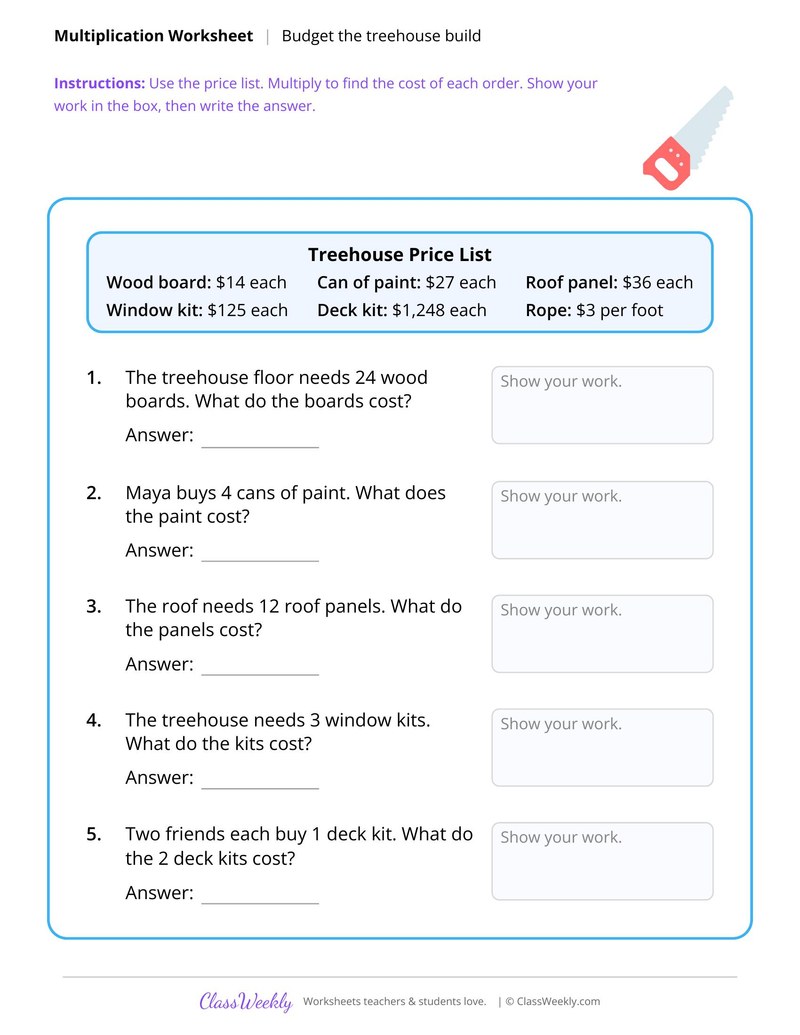
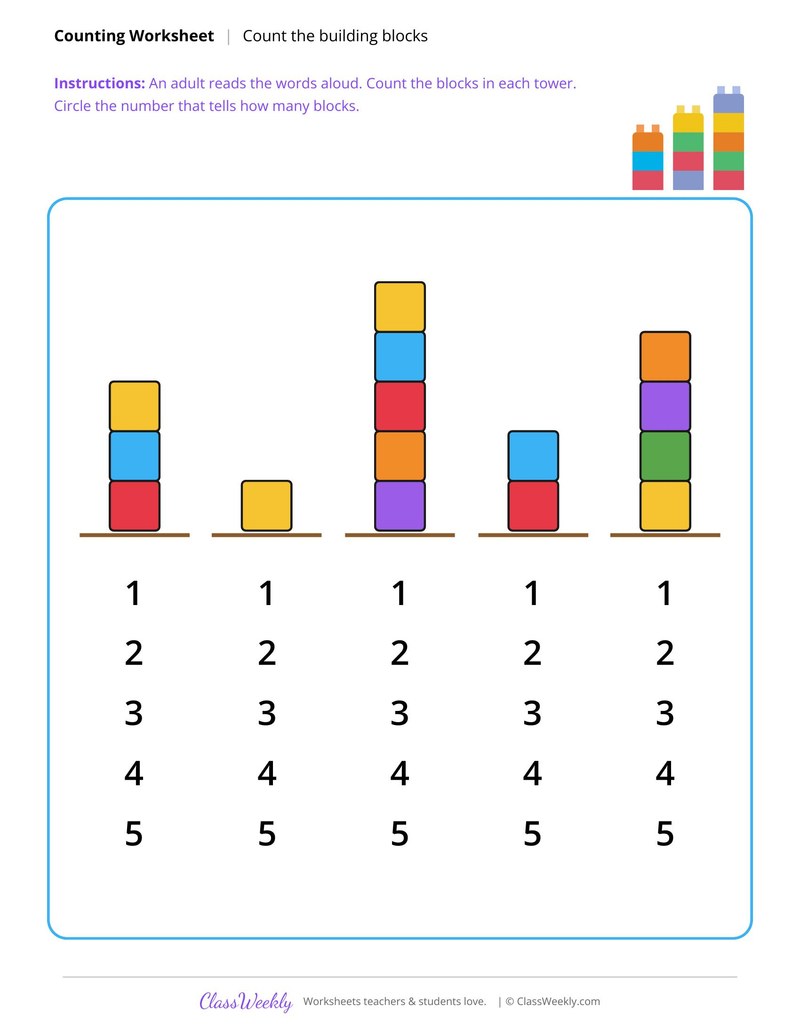
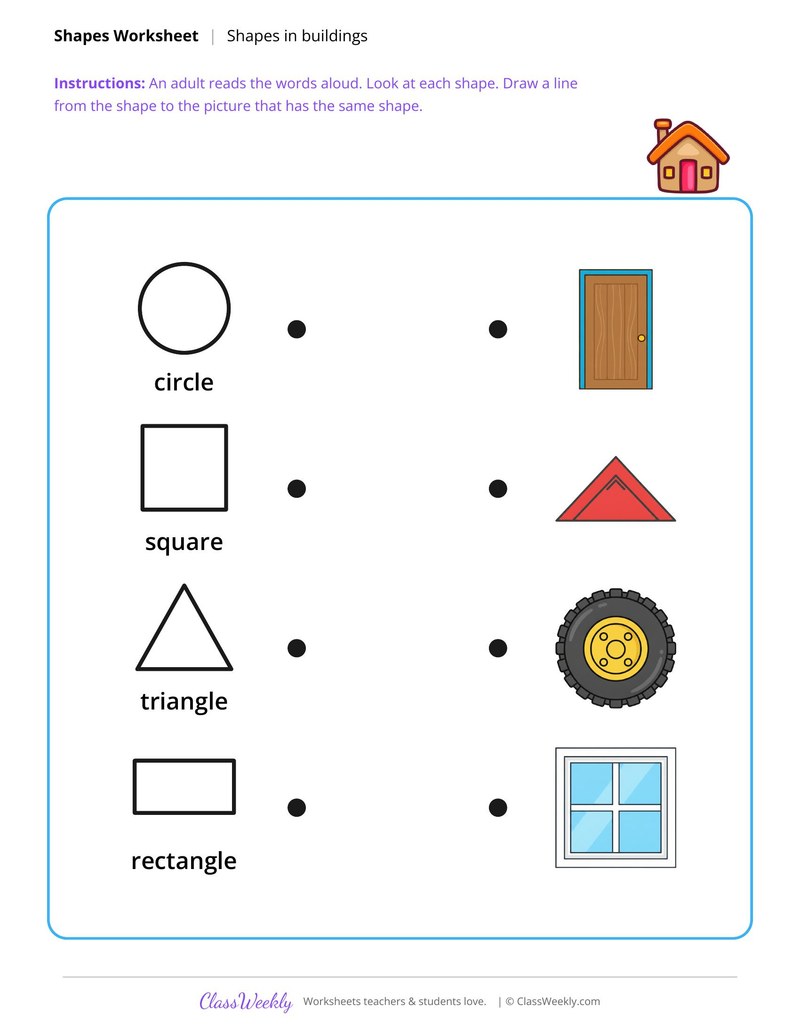
Curriculum Links
Common Core State Standards
Geometry · 4th Grade
Standard: Draw points, lines, line segments, rays, angles (right, acute, obtuse), and perpendicular and parallel lines. Identify these in two-dimensional figures.
View all 4.G.A.1 worksheets →Find this in the curriculum
Browse the grade, subject, and topic this belongs to.
FAQ
How do I use this classify angles worksheet?
⌄
Print the page and read the directions with your child: Write acute, right, or obtuse for each lettered angle. Then circle the angle size that is closest to each one. When they finish, check the work together with the answer key.
What does this worksheet teach?
⌄
A note explains right, acute and obtuse angles. Four structures, a bridge truss, a house roof, a tower crane and a wall frame with a brace, have eight lettered angles. Children write acute, right or obtuse for each and circle the closest angle size from three choices, such as 30°, 60° or 120°. The directions on the page read: Write acute, right, or obtuse for each lettered angle. Then circle the angle size that is closest to each one. An answer key is included.
Can I use this classify angles worksheet for homeschool or classroom?
⌄
Yes, both. We made it for 4th Grade geometry, and the page works the same whether it lands on a kitchen table or a center rotation. At home, most families go through it together and talk the answers out loud, and that talking is where most of the learning happens with classify angles. In class it runs well as independent work while you pull a small group. Print one copy or thirty, whichever the day needs.
How can you check for a right angle?
⌄
Hold the corner of a sheet of paper against it. A right angle matches the square corner exactly; an acute angle fits inside it and an obtuse angle opens wider.
Is there an answer key?
⌄
Yes. Both sheets have an answer key.
How many 4th Grade classify angles worksheets are there?
⌄
2 printable worksheets, all free to preview. Downloads are included with a ClassWeekly free trial, and every page prints on standard 8.5 x 11 paper.
What age are classify angles worksheets for?
⌄
These are written for 4th Grade students, roughly ages 9-10. Many teachers also use them a grade up for review or a grade down as an extension, so use the preview to judge the fit for a particular child.
Are these classify angles worksheets aligned to Common Core?
⌄
Yes. Each one shows the Common Core code it covers on its own page, so you can check the alignment yourself rather than taking our word for it.
Ratings & Reviews
No reviews yet. Be the first to share what you think.
Reviews are for ClassWeekly members.
Make a Request
Spotted something to fix, or want a worksheet we don't have yet? Tell us and we'll make it.
What is ClassWeekly?
ClassWeekly offers free worksheets and printable learning resources for kids, from preschool up. All worksheets are aligned to Common Core, NGSS, and C3 Framework standards and designed by educators. Become a member to access the full library and download unlimited PDFs.