
How to Create a Workbook for Your Students
Get 30 days of free worksheet downloads
Key Takeaways
- Start from your assessment data: each workbook should target the two or three skills a student or group missed, not the whole unit.
- One workbook per small group covers most of a class; save individual workbooks for the handful of kids whose needs don't match any group.
- Sequence each workbook like a mini lesson cycle: a worked example, guided pages, independent pages, then a short cumulative check.
- Decide how pages get checked before you print, and build workbooks that kids can use without you during early-finisher time, intervention blocks and homework.
To create a workbook for your students, start with your latest assessment data and pick the two or three skills each student or group still needs. Gather practice pages for those skills, sequence them from a worked example to independent practice, add an answer key, and print one bound copy per student or per small group.
The longer version is about what makes classroom workbooks actually work: who gets which one, how pages get checked, and when kids use them. And if you'd rather skip the copy-room sorting, you can build a personalized workbook for each student with their name on the cover (more on that near the end).
Here's what we'll cover:
- Pick the skills from your assessment data
- Decide: one workbook per student, or per group
- Sequence each workbook like a lesson
- Plan answer keys and a checking routine
- Print and bind at school
- Use workbooks for early finishers, intervention and homework
- Use a workbook maker for the whole class
Making one for your own child at home? See how to make a workbook for your child, which walks through the parent version.
Pick the Skills From Your Assessment Data
The pacing guide tells you what comes next. Your assessment data tells you what's missing. A classroom workbook should be built from the second one.
Pull up whatever you have from the last few weeks: a unit test, an exit ticket spreadsheet, a benchmark report, or your running records. Then sort it by skill, not by student.
- List the skills on the assessment down one side of a page.
- Mark which students missed each one. A simple tally works.
- Circle the skills where four or more kids struggled. Those are your group workbooks.
- Note the outliers: kids who missed something nobody else did, or kids who aced everything and need a stretch.
Keep each workbook to two or three skills. A 3rd grade group that missed multiplication facts for 6s, 7s and 8s and arrays has a clear, finishable workbook. A group labeled "needs math help" does not.
If you want a refresher on turning test results into teaching groups, our guide on using assessment data to plan instruction goes deeper on that step.
Quick tip: note the target skills inside the cover, so you remember what the group was working on when it's time to regroup.
If multiplication facts are this month's gap in 3rd grade, these free pages are a good place to start gathering:
Free multiplication Worksheets


One Workbook per Student, or per Group?
Honestly, this is the decision that saves or costs you the most time. Twenty-four individual workbooks sound great until it's Sunday night.
Differentiated workbooks for small groups
For most classes, one workbook per reading group or math group covers the need. Kids in the same group are working on the same skills, so they can use the same pages.
Group workbooks also fit your routines. The Blue Group's workbooks live in the Blue Group's bin, and everyone is on roughly the same page.
A typical K-5 class ends up with three to five group workbooks:
- A reteach workbook for kids who missed the core skill
- One or two on-level workbooks for practice and review
- A stretch workbook for kids who are ready for harder problems or longer passages
Every kid still gets their own copy, with their own name on it. They just share the same pages.
When an individual workbook is worth it
Make a one-off workbook for:
- Students on an intervention plan with specific goals
- Kids with gaps from an earlier grade, like a 4th grader who still needs place value
- New students who arrived mid-year
If you're tracking intervention goals, our post on small group intervention materials covers how to match materials to those goals.
Sequence Each Workbook Like a Lesson
A workbook isn't a stack of random practice. It works best when it follows the same arc you'd use in a mini lesson, so a student can pick it up without you and still know what to do.
Here's an order that works across grades:
- Model page. One worked example at the top, with the steps written out. This is your "I do" on paper.
- Guided pages. Problems with hints, partly filled in, or a picture support. Your "we do."
- Independent pages. Straight practice at grade level. The bulk of the workbook.
- Apply pages. Word problems, a short reading passage, or a writing prompt using the same skill.
- Cumulative check. One short page at the end that mixes every skill in the workbook.
If the workbook has more than one skill, repeat steps 1 to 4 for each skill, then add the cumulative check at the very end. Add a quick review page between skills too, so skill one doesn't disappear while kids work on skill two.
Keep pages short and predictable
Kids in a workbook block work without you beside them, so:
- Same directions format on every page, so kids know where to look.
- Ten to fifteen problems per page for grades 2-5, fewer for K-1.
- One skill per page. Mixed pages belong in the review and check pages only.
For a single custom sheet to fill a gap (a page of facts for just the 7s, say, or a word search with this week's vocabulary), the free worksheet maker builds one in a few clicks.
Plan Answer Keys and a Checking Routine
Teachers often skip this step, then regret it in week two, facing a pile of half-checked workbooks.
Decide how pages get checked before you print.
Make the answer key
- Check whether each page you pulled has an answer key. Many do. For the ones that don't, work the page yourself once and write the answers on a blank copy.
- Make one key per workbook version, not per student. A group workbook needs one key.
- Put keys in sheet protectors in a labeled binder or a folder at the checking station.
Pick a checking routine
Some options that don't mean grading every page yourself:
- Self-check station. Students finish a page, walk to the station, and mark their answers with a colored pen. Wrong answers get circled and fixed.
- Partner check. Two students with the same workbook swap and check against the key.
- Teacher spot-check. You look closely at one page per workbook each week, plus every cumulative check page.
- Progress tracker on the cover. One box per page, colored in once it's checked, not just done.
I'm not sure there's one right answer here. Self-checking works beautifully in some rooms and turns into answer copying in others. You know your class. Start with the routine you'd trust on a busy Friday.
Print and Bind Workbooks at School
Once the pages are set, it's a copy-room job. A little planning keeps it to one trip.
Printing tips
- Print a master copy first and flip through it for missing or out-of-order pages. Fixing one master beats fixing 24 copies.
- Single-sided for K-2. Little ones press hard and erase a lot.
- Double-sided for 3-5 if paper is tight. Older kids handle it fine.
- Cardstock covers, if you have it.
Binding options at school
- Binder clips. Fastest for thin workbooks, and easy to add pages.
- Long-reach stapler. Gives a booklet feel for 10-20 pages.
- Prong folders. A good middle option. Students can add pages and pull out finished ones.
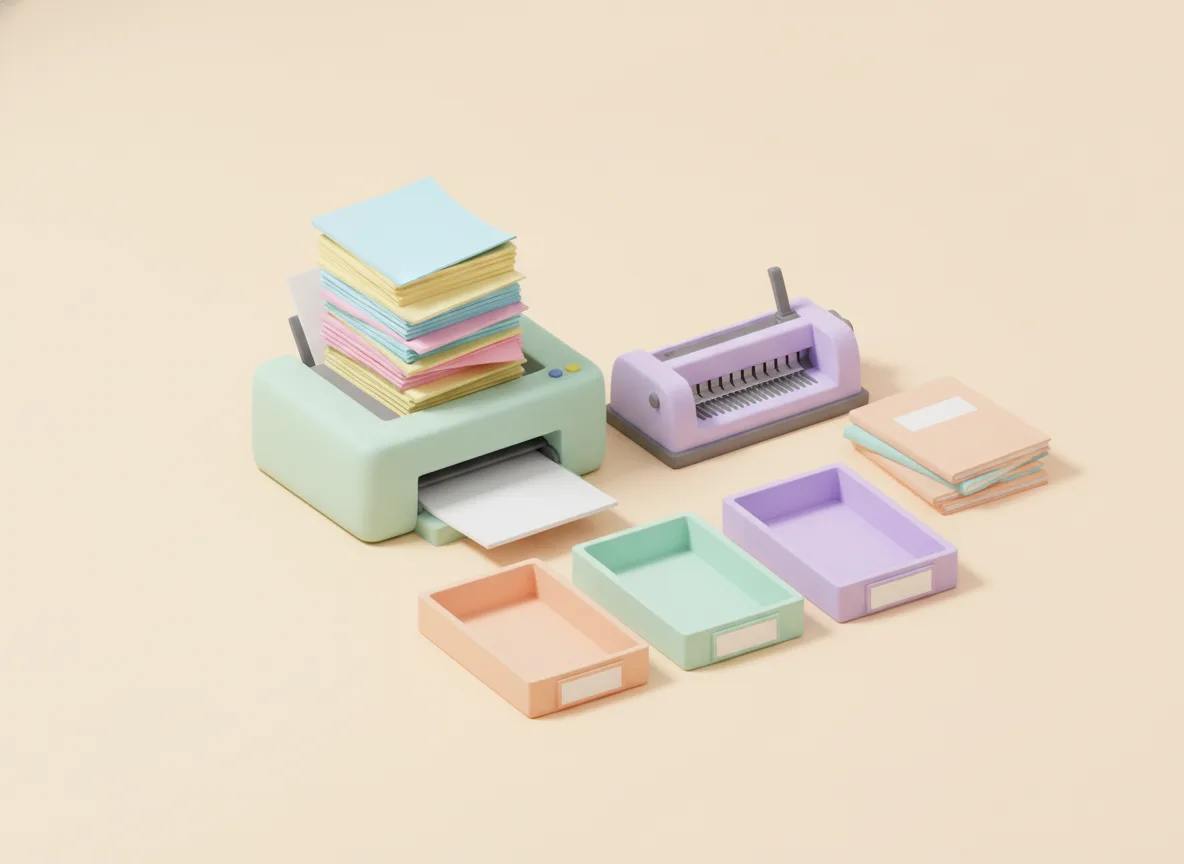
- Comb binding. The most durable if your school has a machine (often in the library or front office). Best for workbooks that have to last a whole grading period.
Label each cover with the student's name and group color, so workbooks land back in the right bin. A crate per group keeps a whole class organized.
Use Workbooks for Early Finishers, Intervention and Homework
A workbook only helps if it gets opened. Build it into specific parts of your week.
Early finishers
Workbooks solve the "I'm done, what now?" problem. Early finishers pull their own workbook and do the next page. It's their skill, so it isn't busywork.
Intervention blocks
During WIN time, RTI blocks or small-group rotations, the workbook can be the independent station while you work with another group. Because kids in the group share pages, you can pull them to the table and pick up on the same page.
Homework
A workbook page in the homework folder means families don't have to guess what to practice. Send one or two pages a night, not the whole book, and keep the bound copy at school if it might get lost.
Workbooks also make a natural break packet. Our winter break packet guide covers that version.
Create Workbooks for Students With a Workbook Maker
Everything above works by hand. We'd encourage trying it once, because you'll learn a lot about your groups while you're choosing pages.
But sorting pages for three to five group workbooks, plus a few individual ones, can eat a whole planning period, and you'll want new ones after the next assessment.
That's why we built a personalized workbook maker for students. Here's how it fits a classroom:
- Run it once per student or per group. You answer a short quiz for each one and type the student's name (or a group name, if you're making a group copy).
- Choose the grade and the subject. Each workbook is one subject, so a group that needs math and reading gets two.
- Pick the exact skills. This is where your assessment data comes in. You choose the specific skills each student or group missed.
- Each workbook has the student's name on the cover and in the title, like "Ori's Math Adventure". Kids notice that.
- The pages are teacher-made, Common Core aligned worksheets, ready to print in about a minute.
- Edit the cover and pages afterwards if you want to swap a page or add a group label.
You still decide what each kid practices. The builder just skips the searching and sorting. Access starts with a free trial, so you can try it with one small group and make a workbook with a student's name on the cover before deciding whether to use it for the whole class.
If you'd rather start from finished workbooks, the free 3rd grade multiplication workbooks and the other free math workbooks are organized by grade and skill. Reading groups can start with the free reading workbooks, or pull single pages from the 2nd grade reading comprehension worksheets.
When a bound classroom set is the better choice
To be fair: if your whole class needs the same year-long practice in one subject, a bound workbook series from a publisher like Spectrum or Evan-Moor can be the simpler route. The sequence is set, the pages are already bound, and nobody has to visit the copy room.
Custom workbooks make more sense when your groups need different things, when you're targeting gaps from an assessment, or when you want something short that kids will finish before the next unit.
FAQ
How do I create a workbook for my students? Look at your latest assessment, group students by the skills they missed, and pick two or three skills per group. Gather pages for each skill, order them from a worked example to independent practice, add a short check at the end and an answer key, then print and bind one copy per student.
Should I make one workbook per student or per group? For most classes, one workbook per reading or math group is enough, because kids in the same group are working on the same skills. Make individual workbooks for students on an intervention plan or kids whose needs don't fit any group.
What's the easiest way to bind student workbooks at school? Binder clips or a long-reach stapler work for thin workbooks. For anything students will use for weeks, comb binding holds up best if your school has a machine. Prong folders are a good middle option because you can add pages later.
Is there a workbook maker for teachers? Yes. ClassWeekly's personalized workbook builder lets you set the grade, the subject and the exact skills, and it puts the student's name on the cover and in the title. It's print-ready in about a minute, and you can run it once per student or group and edit the cover and pages afterwards.
How do I check workbooks without grading every page? Put an answer key in a sheet protector at a self-check station, have students mark their own pages in a different color, and spot-check one page per workbook each week. Use the cumulative check page at the end as the one page you look at closely.
Keep Reading
- Using Assessment Data to Plan Elementary Instruction
- Small Group Intervention Materials for Elementary Classrooms
- Formative Assessment Ideas for Elementary Classrooms
Your first round of classroom workbooks won't be perfect, and that's fine. Start with one group, watch how they use it, and adjust the next batch. When a kid shows you the last colored-in box on their cover, it's worth the copy-room trip. 🙌

Adi Ackerman
Head Teacher
Adi is the Head Teacher at ClassWeekly, with years of experience teaching elementary students. She designs our curriculum-aligned worksheets and writes practical guides for teachers and parents.
Keep Reading
Ready to download? Try ClassWeekly free for 30 days.
Unlimited worksheets for PreK through 5th grade. Cancel anytime.